Ding
Your next meeting, one click away.
Ding counts down to your next meeting in the menu bar and joins it in one click.
Always in view
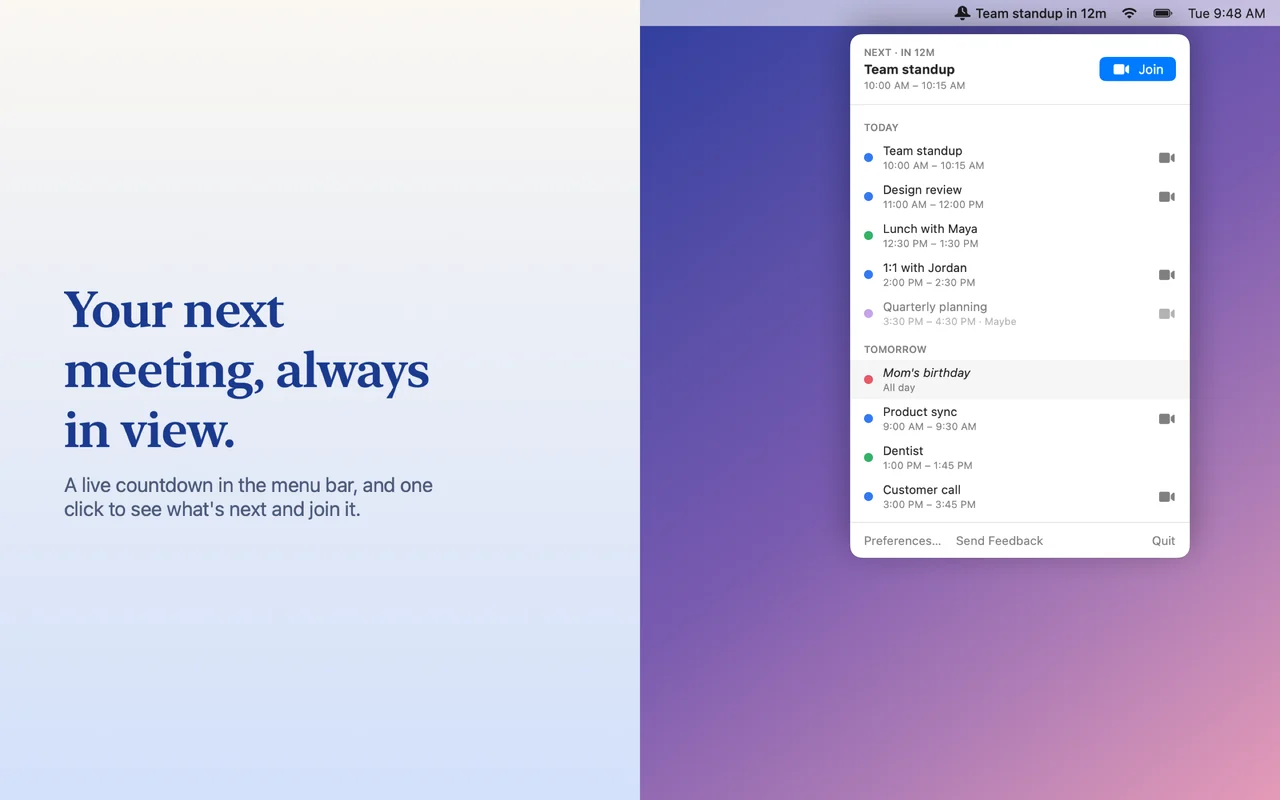
The menu bar shows the next meeting's title and a live countdown ("Standup in 12m", "Standup now"). Click it for a Next meeting card with a Join button, and everything coming up over the next day, week, or two weeks, grouped by day.
Join in one click
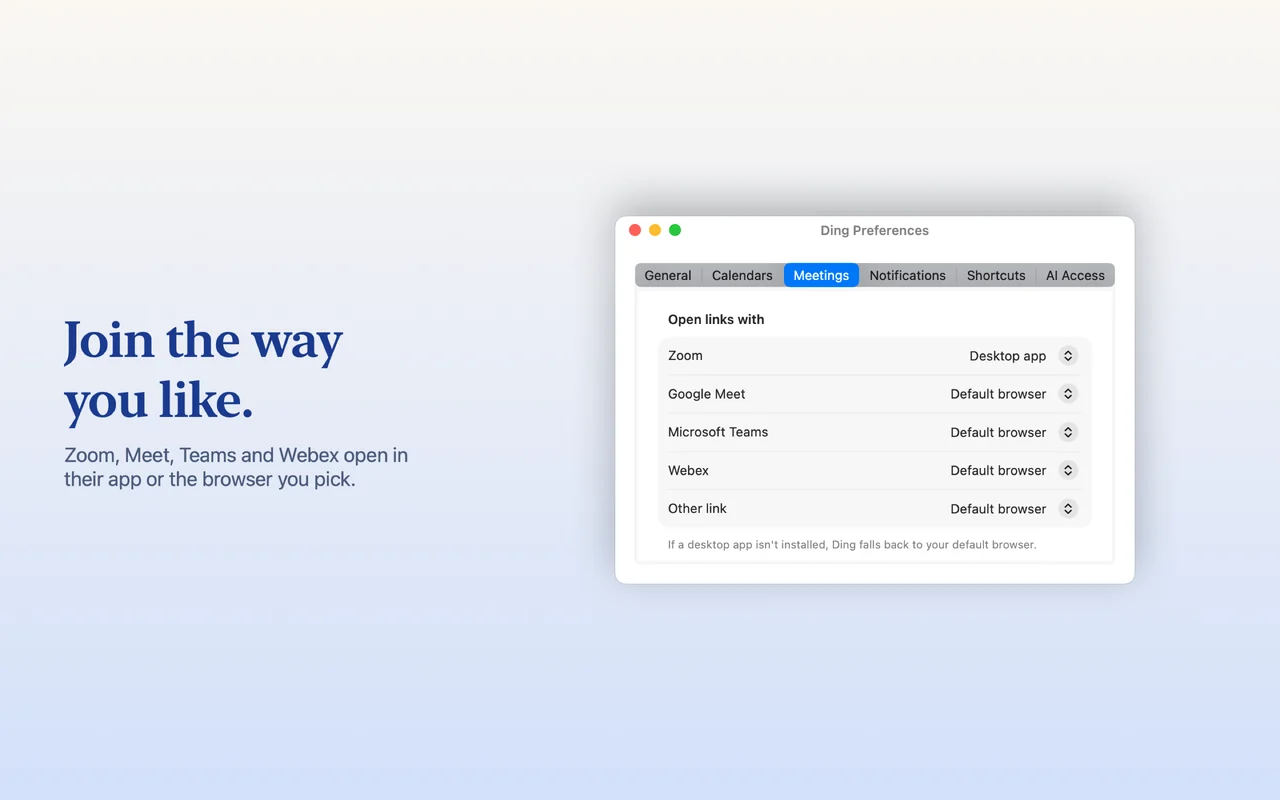
Works with Zoom, Google Meet, Microsoft Teams, Webex, or any single link in an event. Choose per service whether it opens in the desktop app, your default browser, or a specific browser. A global keyboard shortcut joins the next meeting without touching the mouse.
Reminders that get noticed
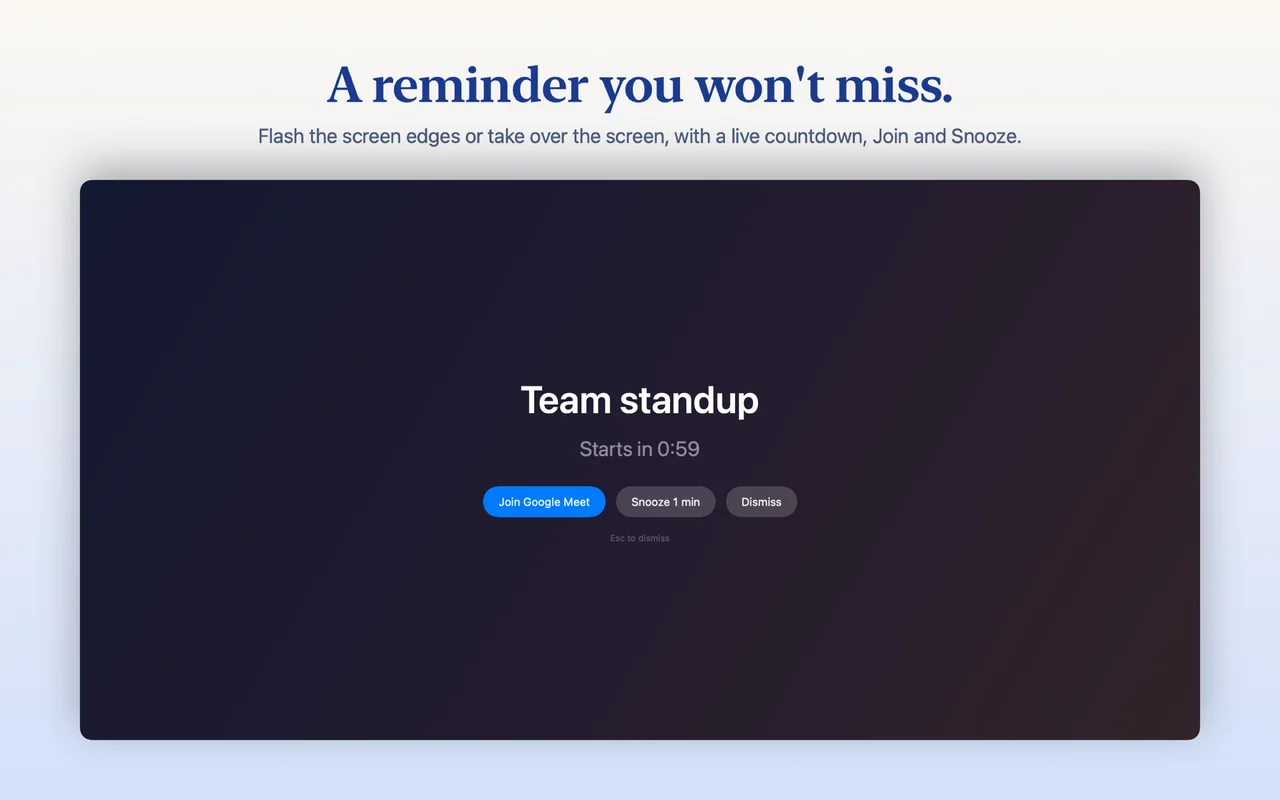
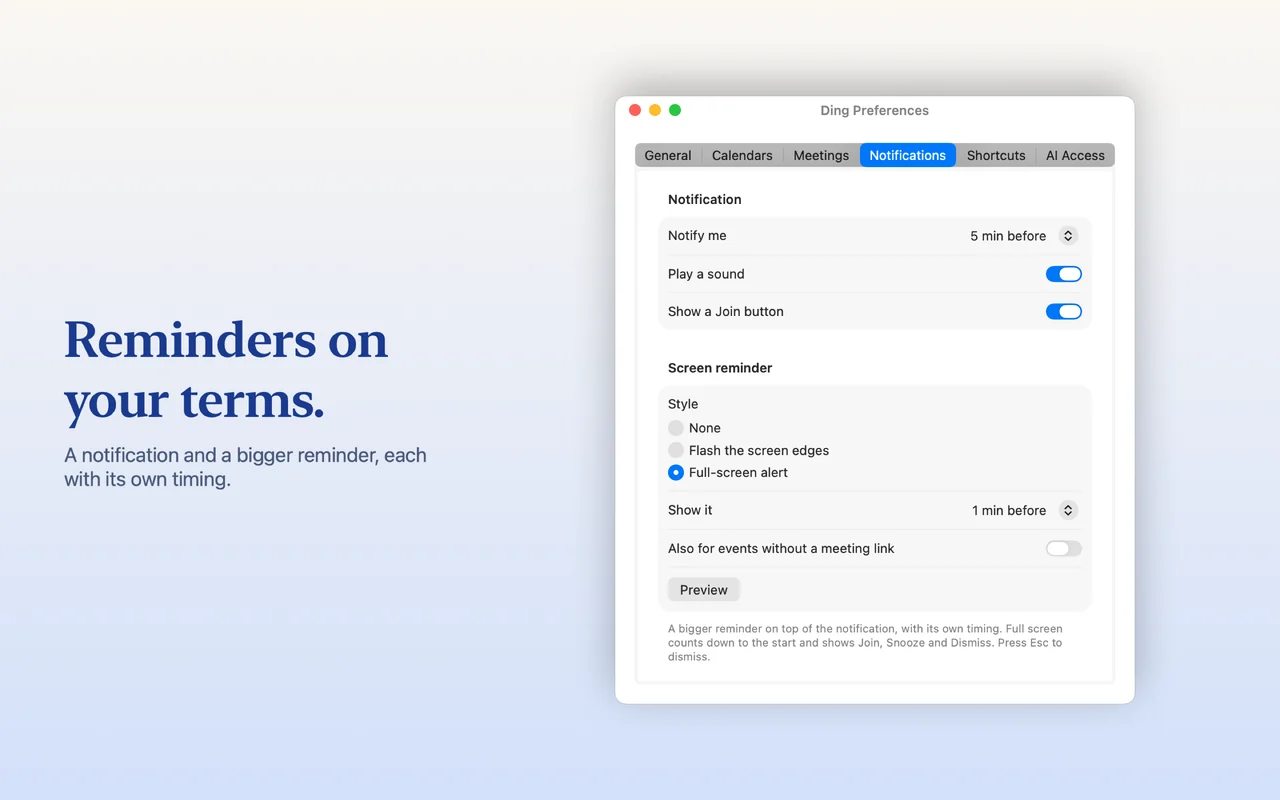
A notification before each meeting, plus an optional bigger reminder: a flash around the screen edges, or a full-screen takeover with a live countdown and Join, Snooze and Dismiss. The notification and the bigger reminder have their own timing.
Uses the calendars you already have
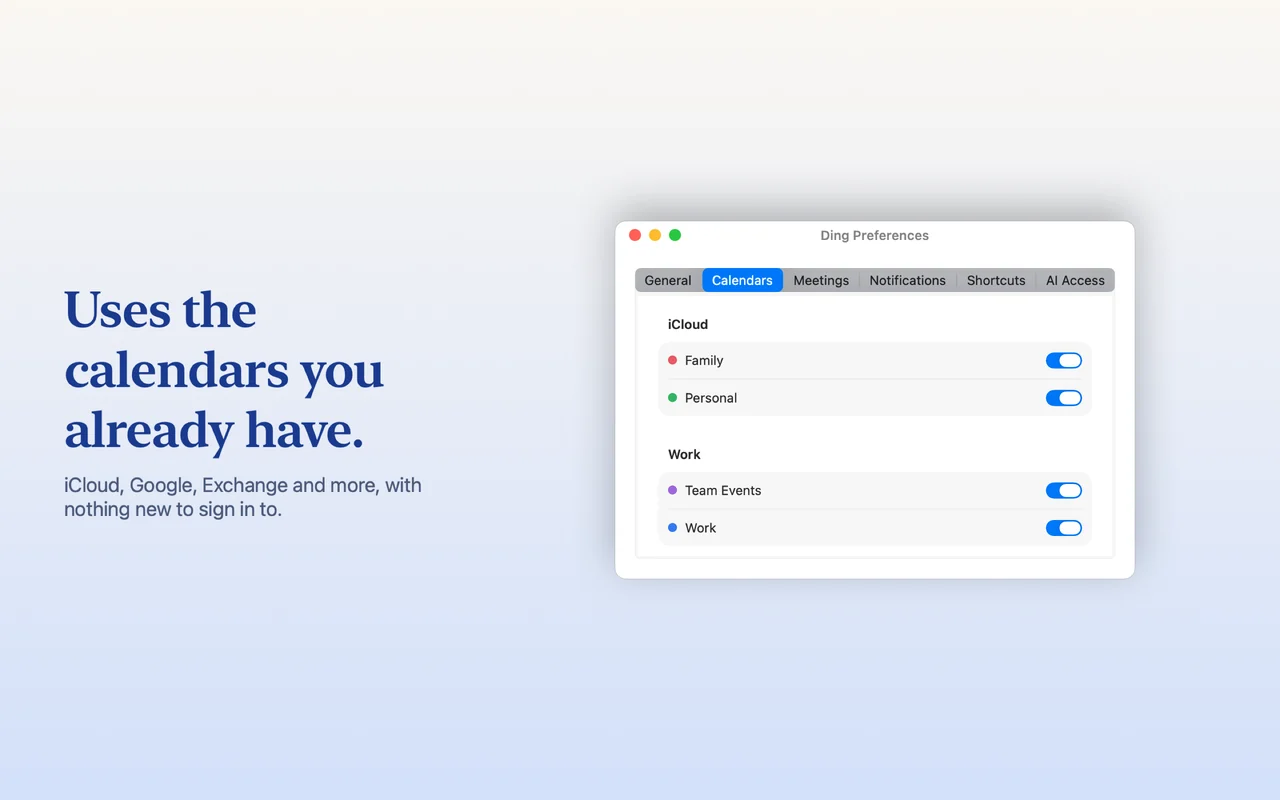
iCloud, Google, Exchange and any other account set up on your Mac, with nothing to sign into. Pick which calendars to show.
Private by design
No accounts, no servers, no tracking, and the app never uses the network. Your calendar never leaves your Mac. Privacy policy.
Works with AI assistants
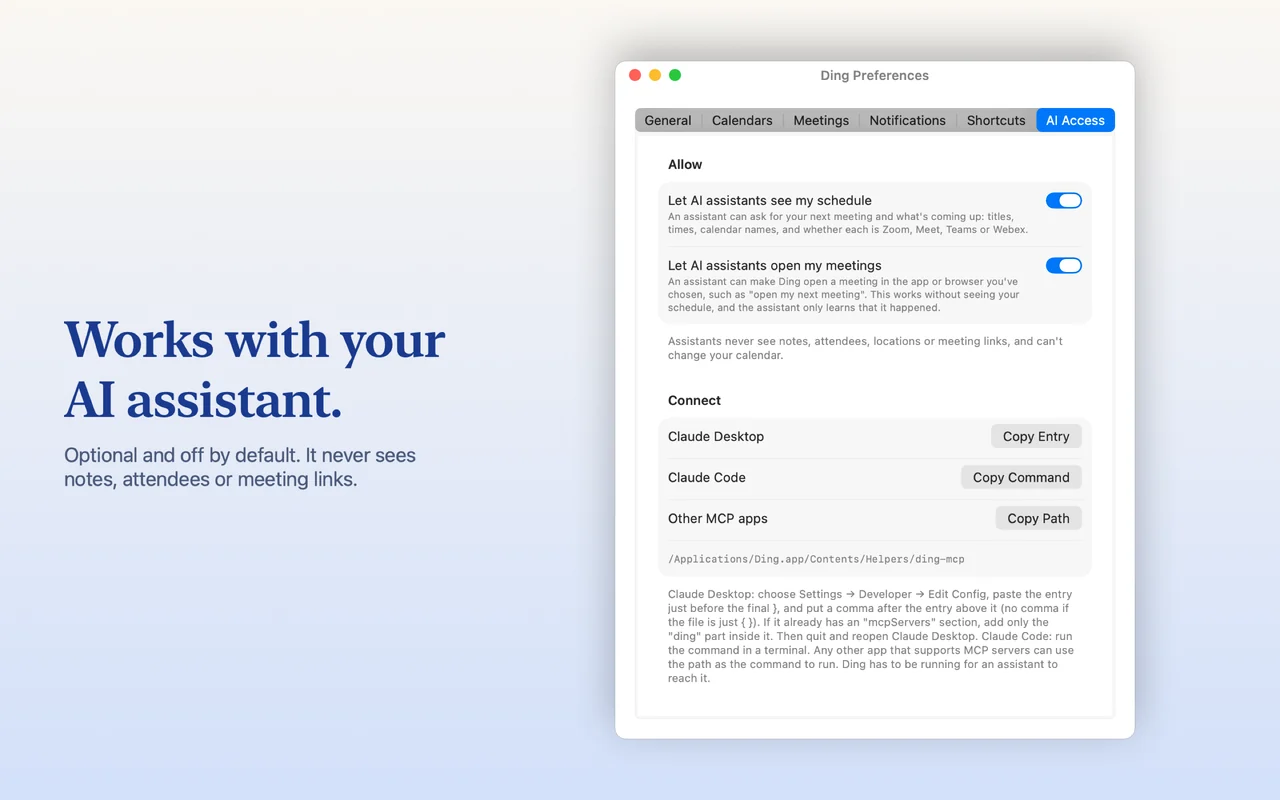
Optional and off by default. If you want, an assistant that supports MCP, such as Claude, can ask Ding for your next meeting or open it. You control it with two switches in Preferences; it never sees notes, attendees, locations or meeting links.
Support
Questions, problems or ideas? Write to privacy@luci.blue. The privacy policy explains what Ding does and doesn't access.