HomeForge
The automations your Home app can't do.
HomeForge links devices, combines triggers and watches the health of every automation, right on top of the Home you already have.
Link devices
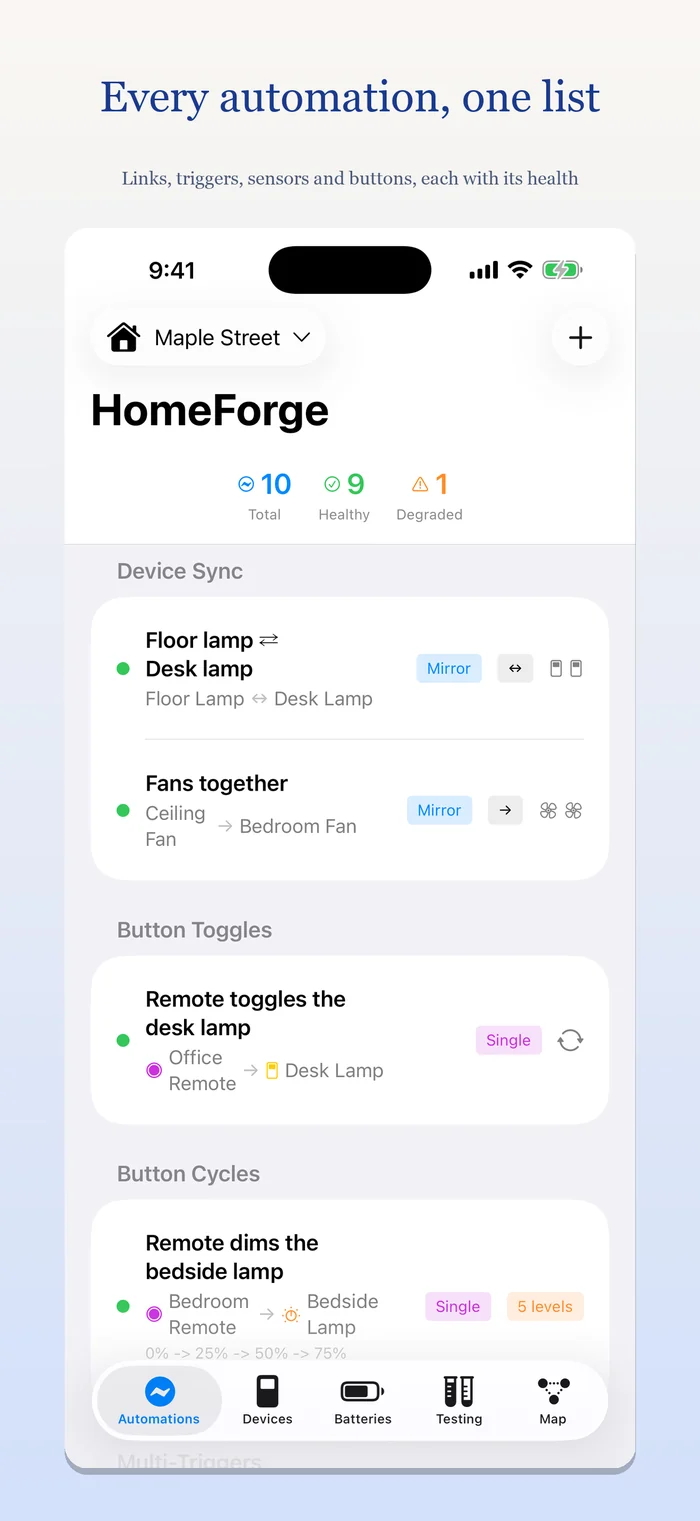
Keep two or more switches, locks, dimmers or fans in sync. Mirror them (on follows on) or invert them (on turns the other off), one way or both ways.
Combine triggers
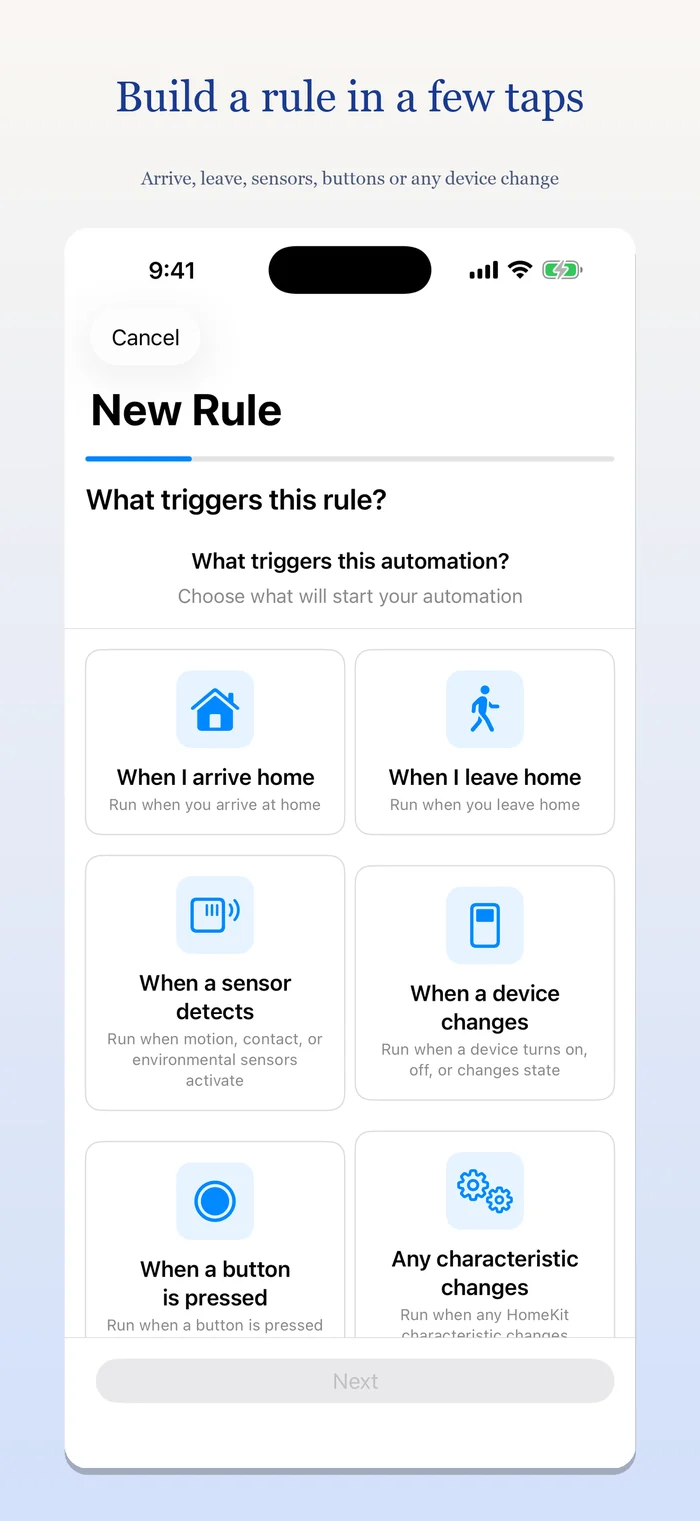
Run an action when any of several devices changes, or only when all of them reach the states you choose. Act on a device or run a scene, and limit it to sunrise or sunset, a time window, or certain weekdays.
Sensors that behave
Temperature, humidity, light-level and air-quality thresholds with a gap between "on" and "off" so things don't cycle, plus motion, contact and occupancy sensors.
Buttons, done properly
One button toggles a light on and off, or cycles a dimmer through brightness levels with repeated presses.
Arrive and leave
Run an action when you arrive home or leave, using a location you pick on a map.
Know it still works
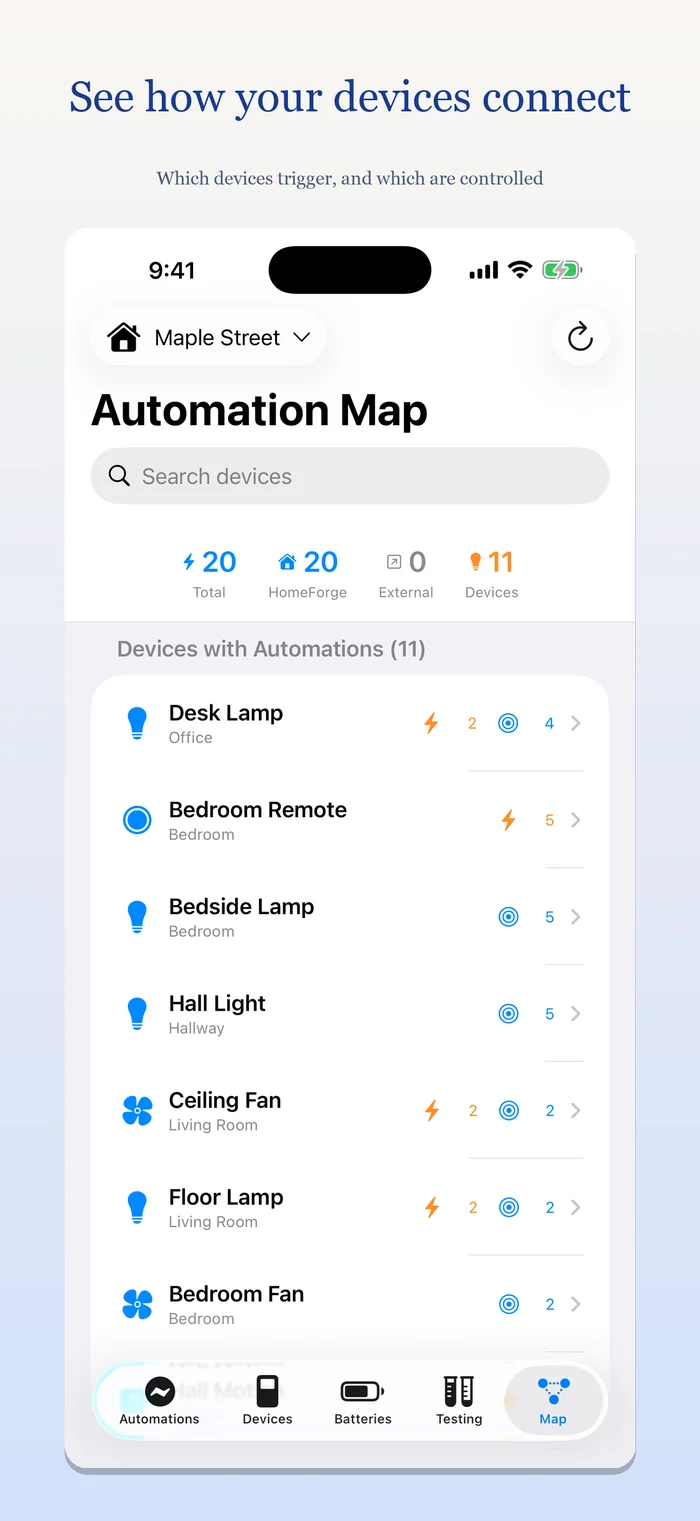
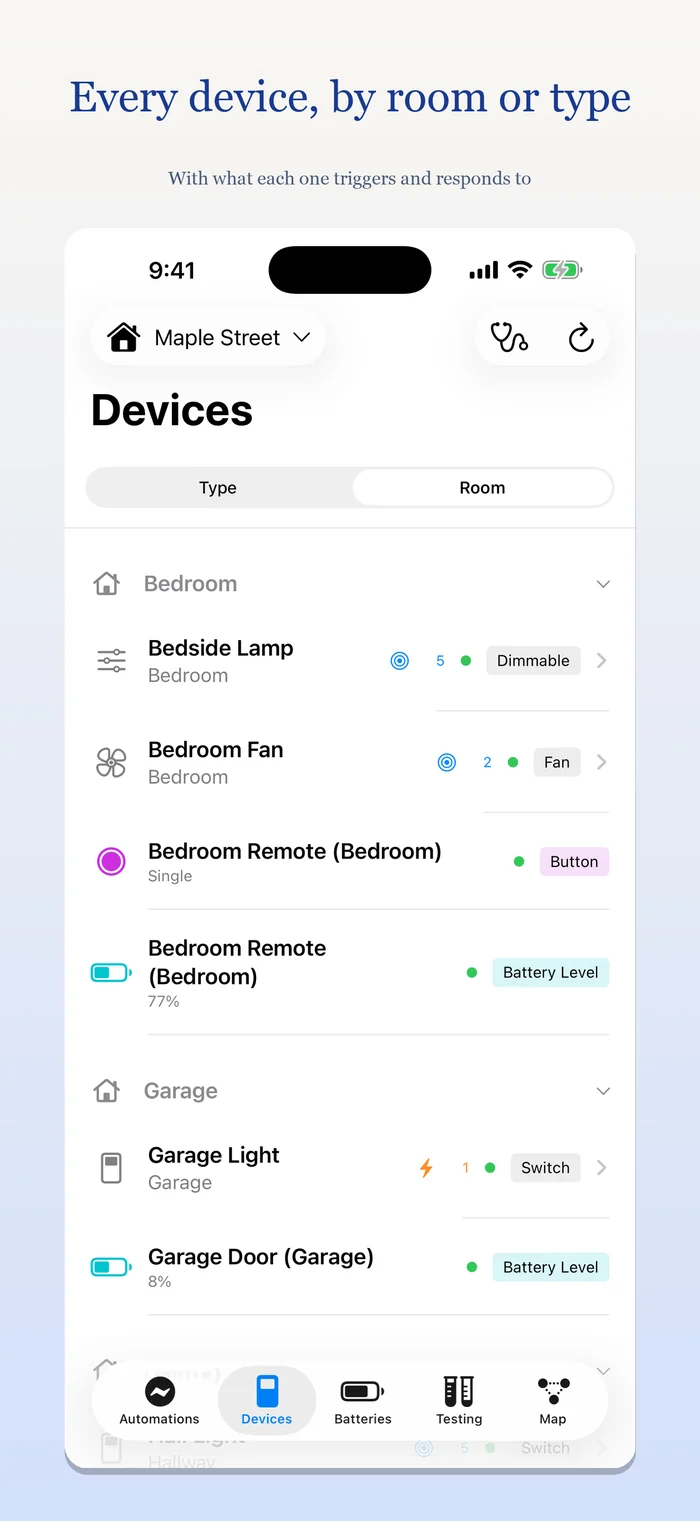
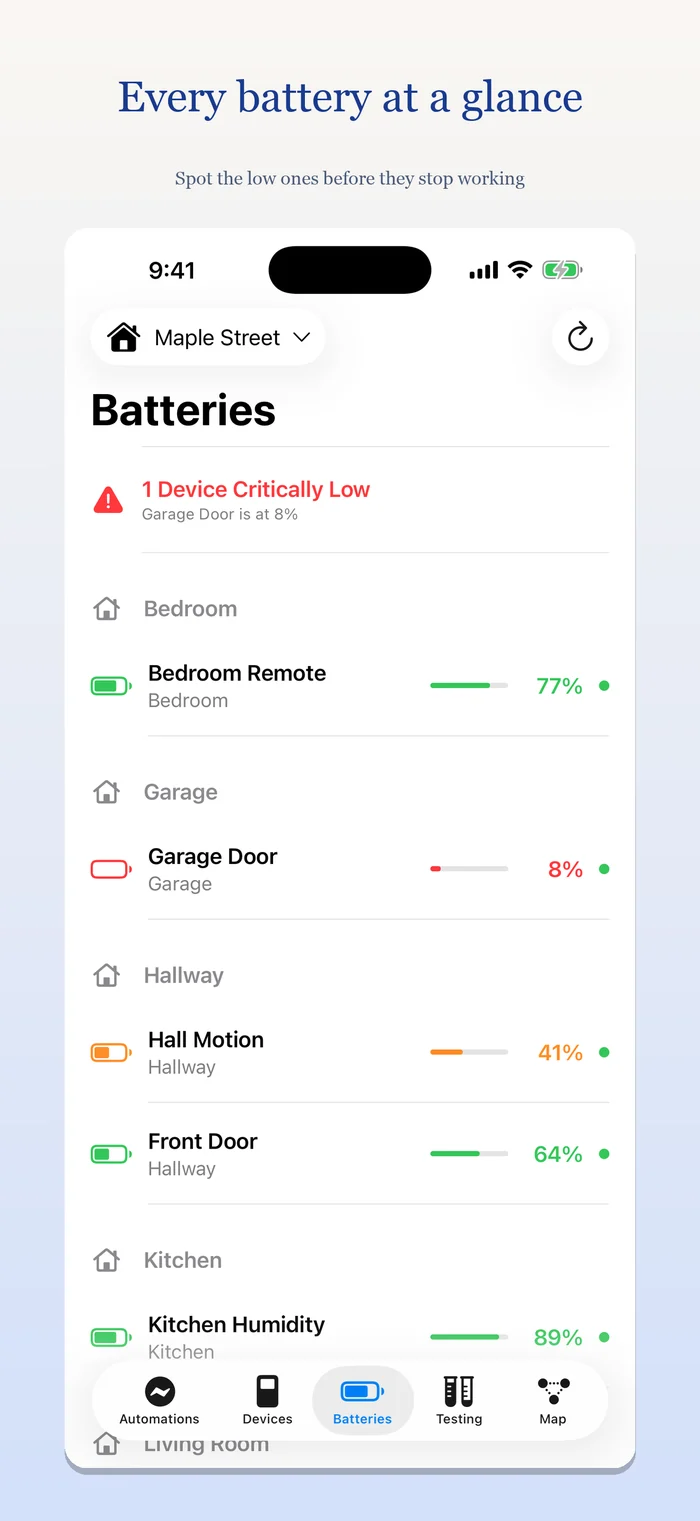
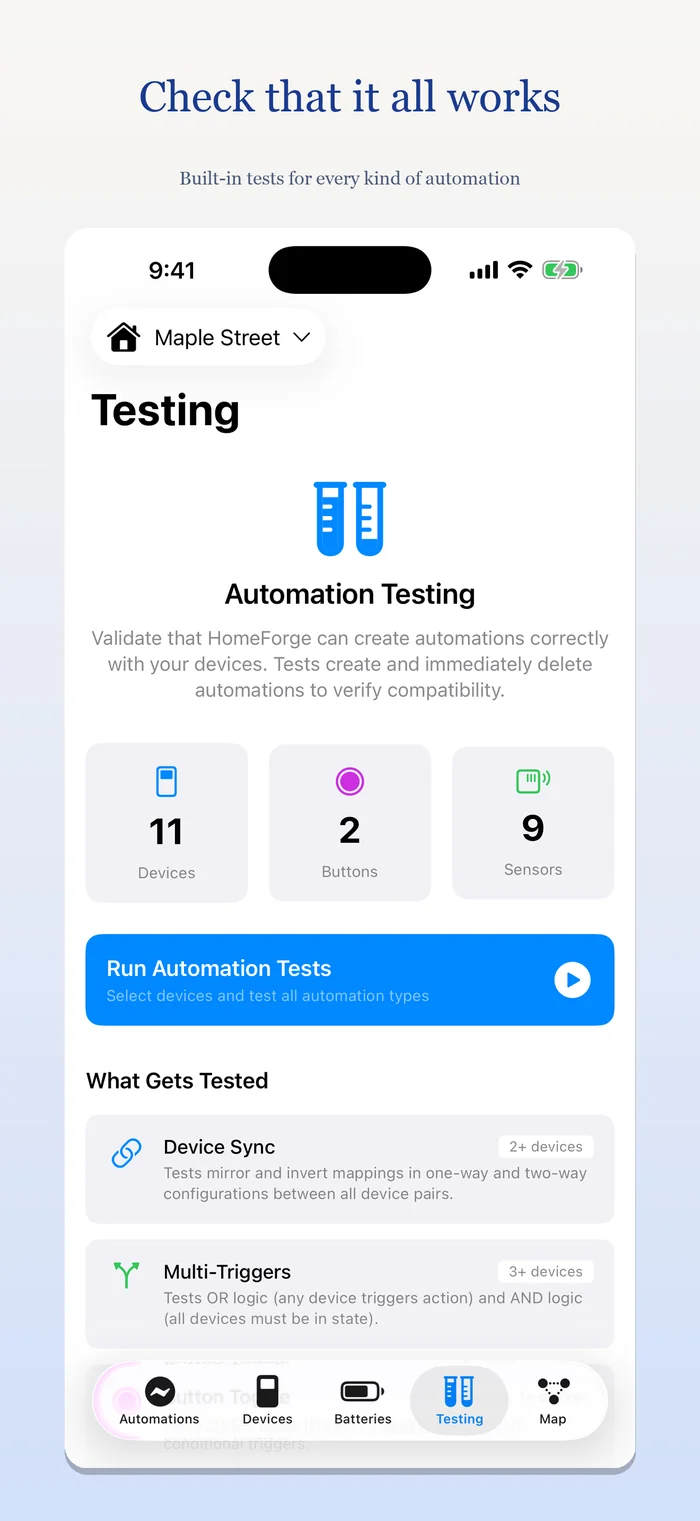
Every automation shows its health. HomeForge notices when a device or part of an automation has gone missing, can repair it, and finds automations in your Home that nothing is tracking. A Map shows which devices trigger and which are controlled, a Devices tab shows each device's automations and how quickly it responds, a Batteries tab lists every battery, and a built-in test tool checks that automations actually do what you expect.
Private by design
No account, no analytics, no ads, no servers of ours. Privacy policy.
Support
Questions, problems or ideas? Write to privacy@luci.blue. The privacy policy explains what HomeForge does and doesn't access.
You'll need a Home set up in the Apple Home app.